Company
Salesforce
Duration
May - August 2025
Role
Product Design Intern
Team
Ryan Capers (Manager)
David Tsai (Design Lead)
Skills
Participatory Design
Rapid Prototyping
AI Design Patterns
Stakeholder Alignment
// B2B SAAS, AI + DEVELOPER EXPERIENCES
// INTRODUCTION
AI-assisted development on Anypoint Code Builder (ACB)
Anypoint Code Builder is a cloud-based tool that helps developers design and build APIs and integrations in one place.
Its visual flow view shows how data moves between systems, while the code view offers deeper control for customization and logic.
Newly-introduced AI features generate code, suggest improvements, and troubleshoot errors. Below is an example of code generation on ACB which results in changes to the open flow view.
AI-assisted development on ACB reduces manual effort and accelerates learning. However, it has also introduced a critical problem in the developer experience.
// DEFINING THE PROBLEM
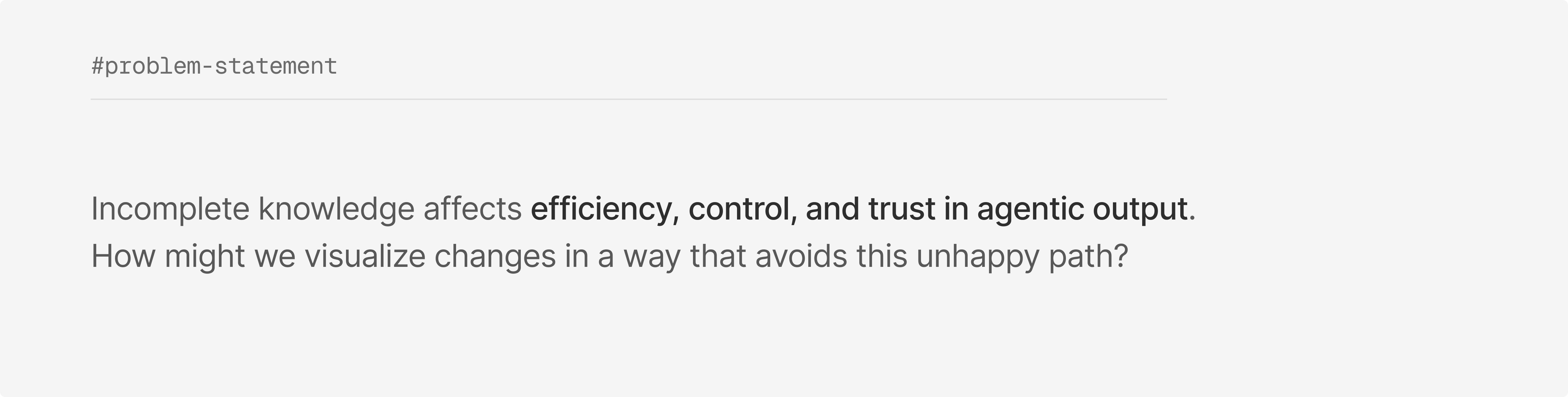
API and Integration developers struggle to identify AI-generated code changes
When AI acts on behalf of a developer in ACB, it rapidly proposes a lot of changes, sometimes even across files.
Beyond a text summary, it’s difficult for developers to track where code changes were made, and just as importantly, why.
In the same example, multiple changes are being made to the code base by an AI client but there's no visual indicator of its effect on the flow.
Without an indicator, developers need to go back and forth between code views and flow views to match changes. They don't know what parts of the code are more affected than others, and require further control. The lack of transparency also means reduced confidence in generated code.
Overall, an unintuitive experience and a loaded problem statement.
// USER RESEARCH
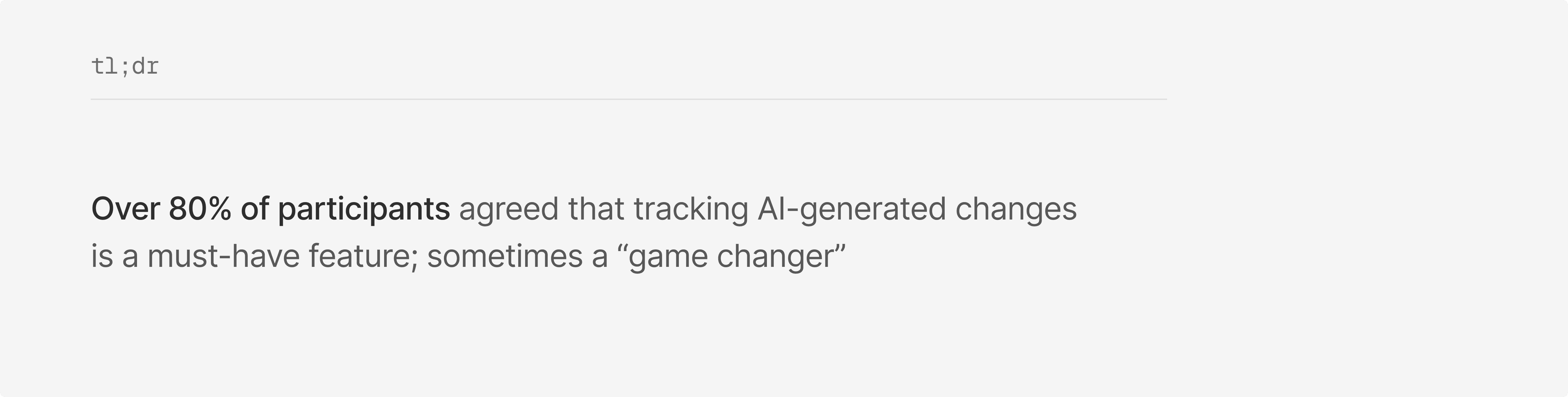
Our customers felt passionately about this problem, to say the least
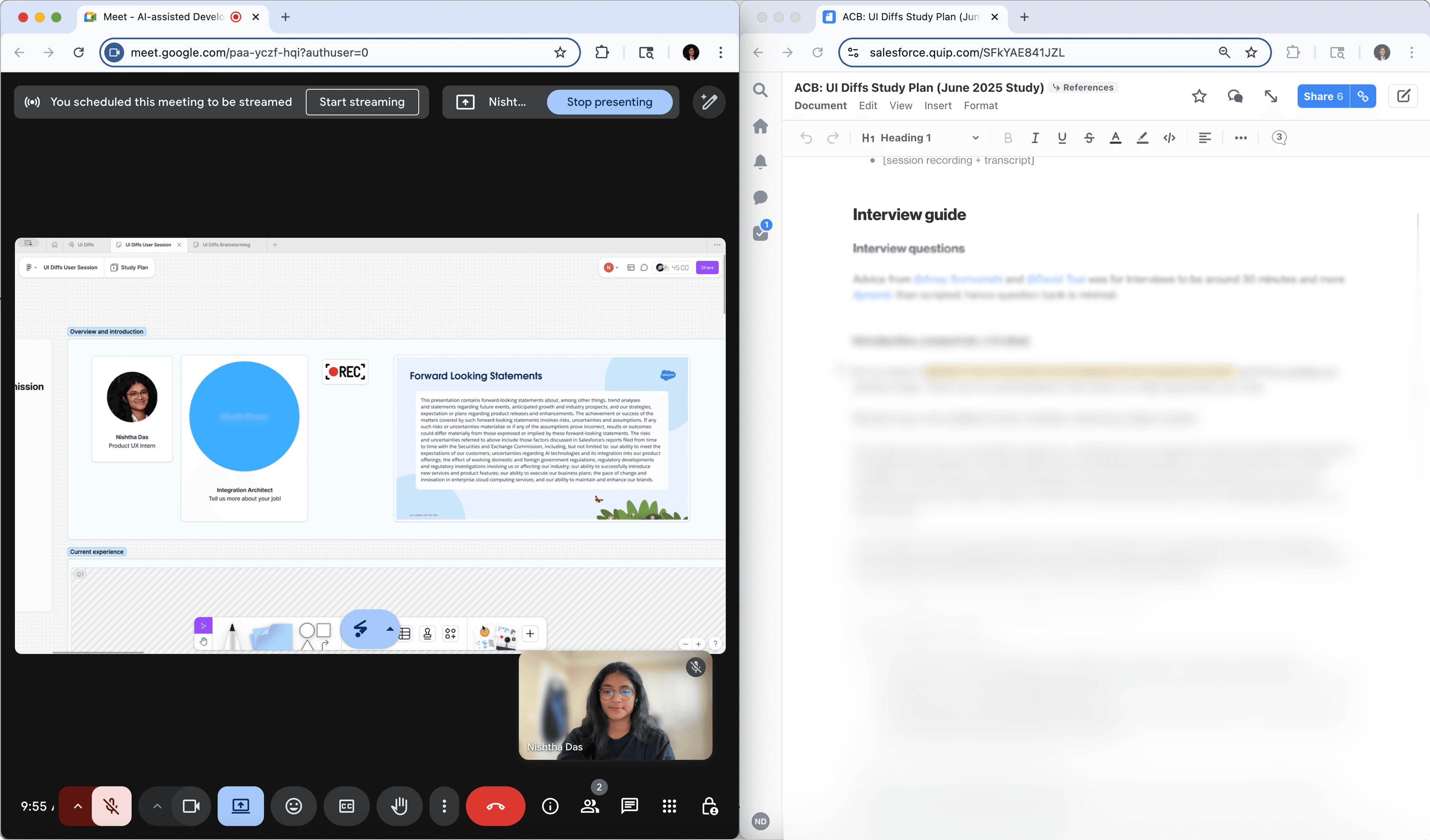
I spoke with 6 users, asking them to actually sketch out solutions they’d like to see. In hour-long sessions, we got to the root of their concerns with the current AI-assisted development workflow.
// DESIGNING FOR DEVELOPERS
Developers want no-nonsense solutions
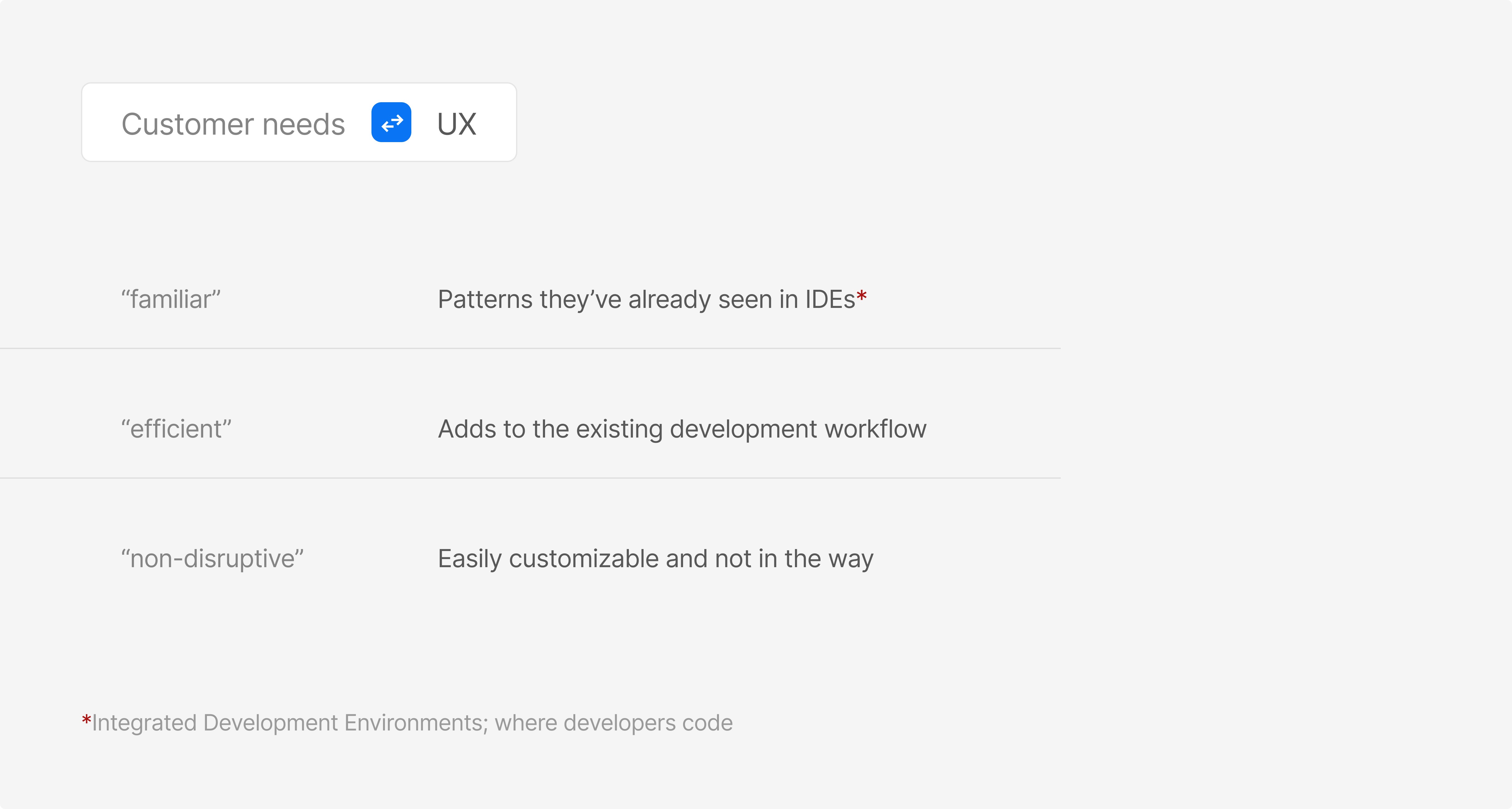
In the participants’ thoughts and sketches, a pattern began to emerge: All of them wanted to see AI changes in a way that felt "familiar", "efficient" and "not disruptive".
To understand what this meant for the solution, I translated user needs into UX considerations.
// IDEATION && WIREFRAMING
Designing rapidly while building a technical knowledge base
With these considerations in mind, I began designing the concept. In the next few weeks, across buses, trains, and cafes, I moved from rough sketches to components and high-fidelity prototypes.
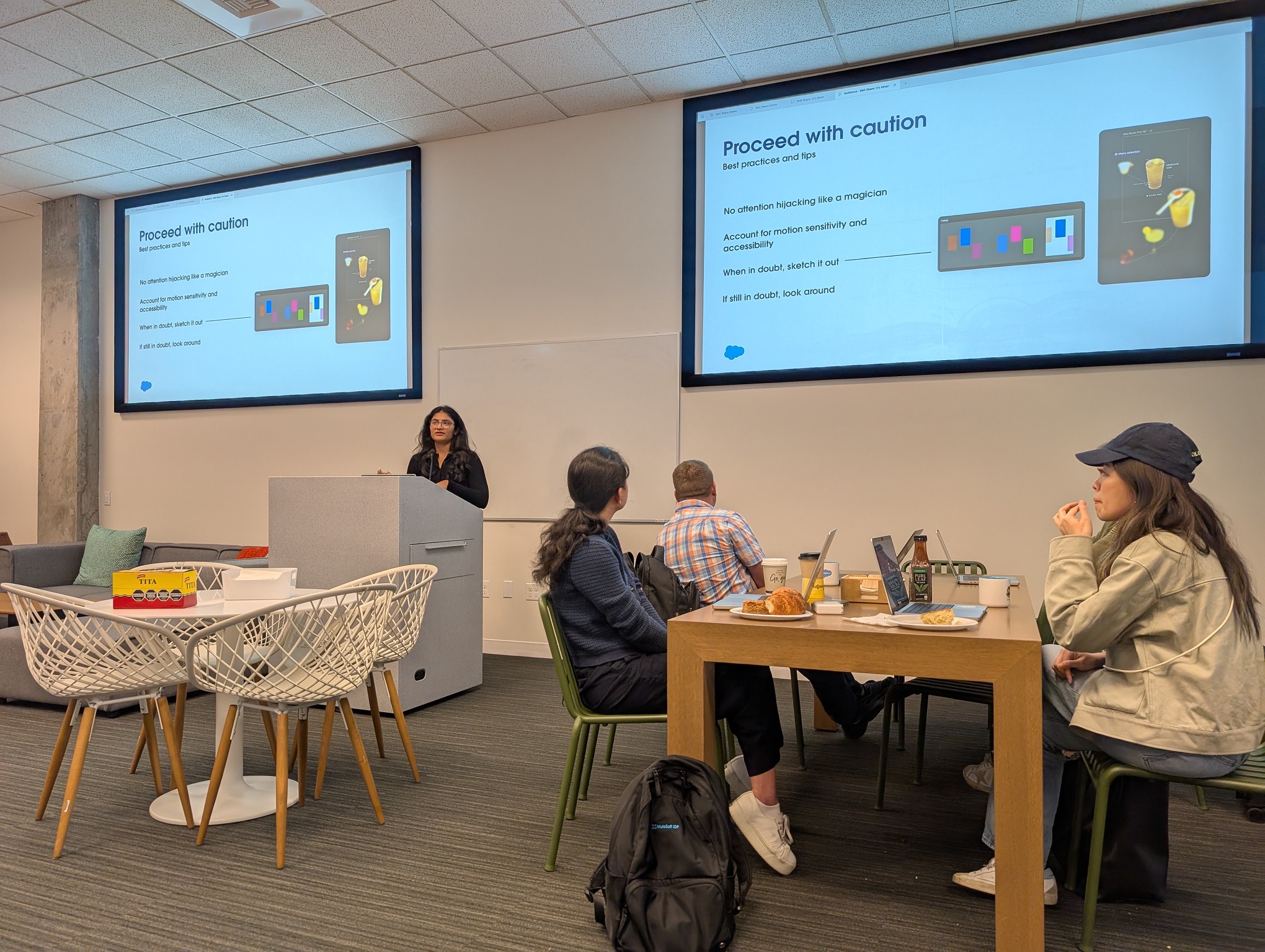
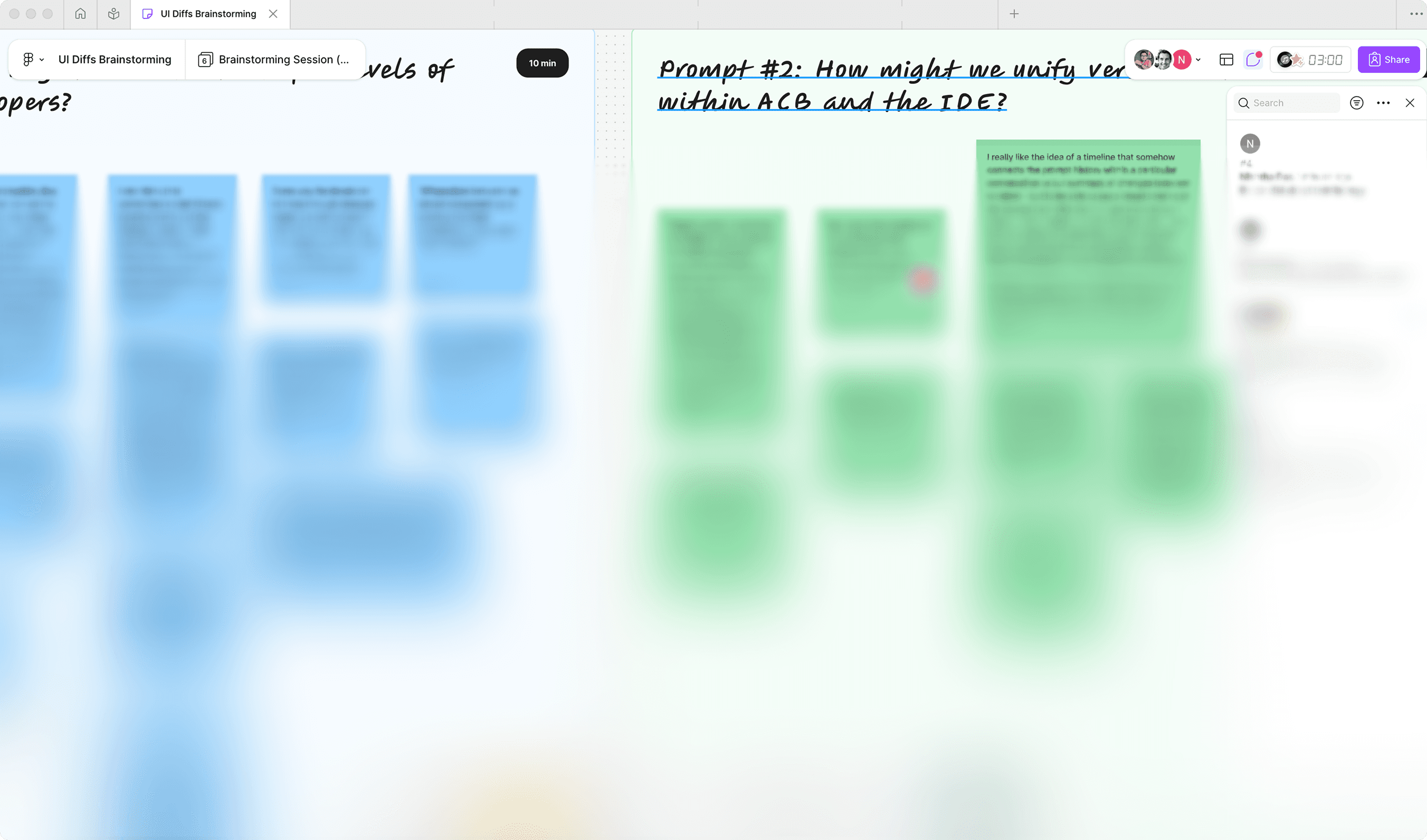
In weekly UX reviews with Salesforce design teams, I presented my work, rapidly iterating based on feedback and always coming back with multiple options.
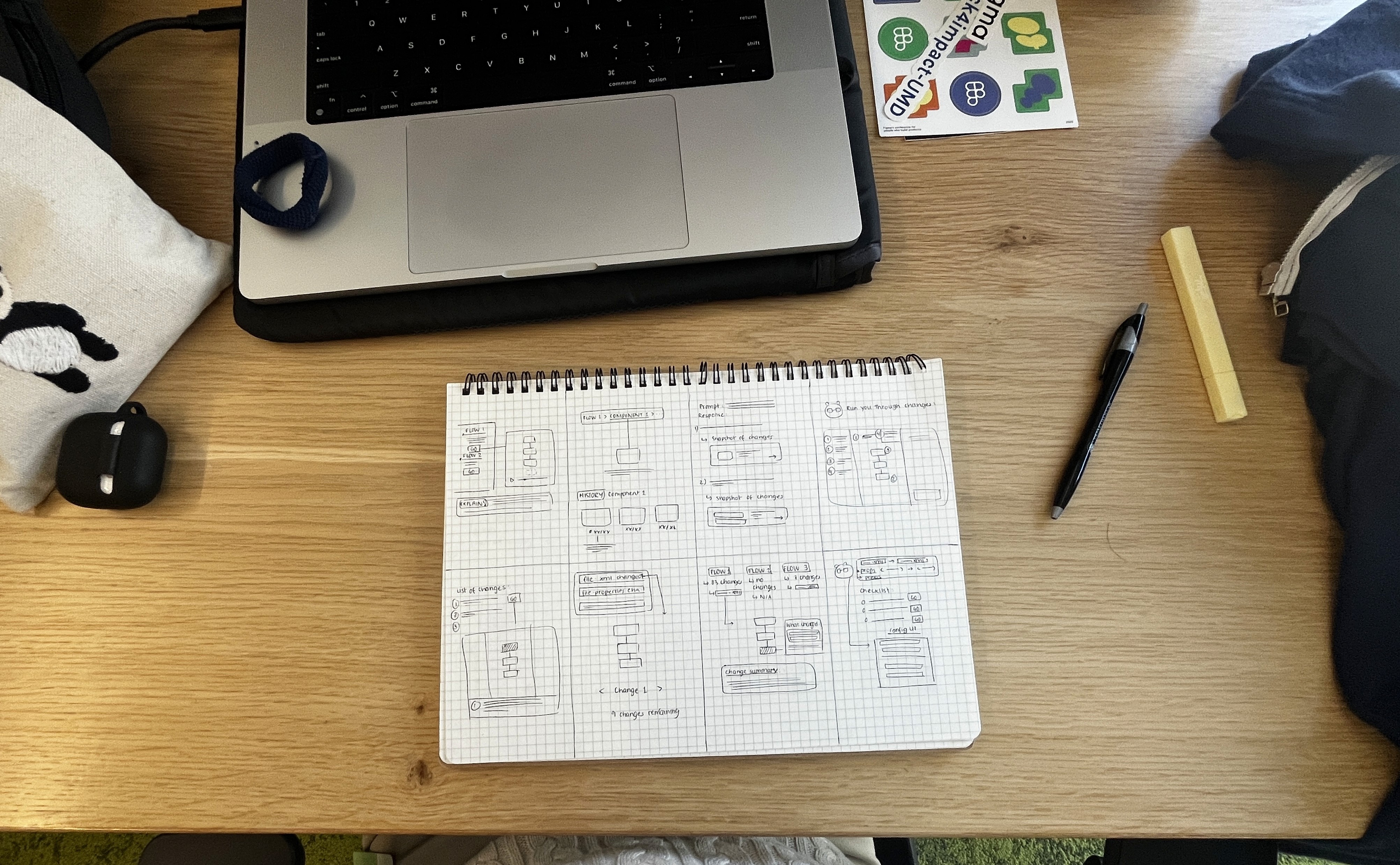
As I was designing, I kept learning more about the world of API and integration development: common workflows, IDE interfaces, and keyboard shortcuts. I interacted with ACB engineers and architects to understand nuances I would've missed otherwise and this helped me make well-informed design decisions.
// DESIGN DECISIONS
1) To be (practical), or not to be
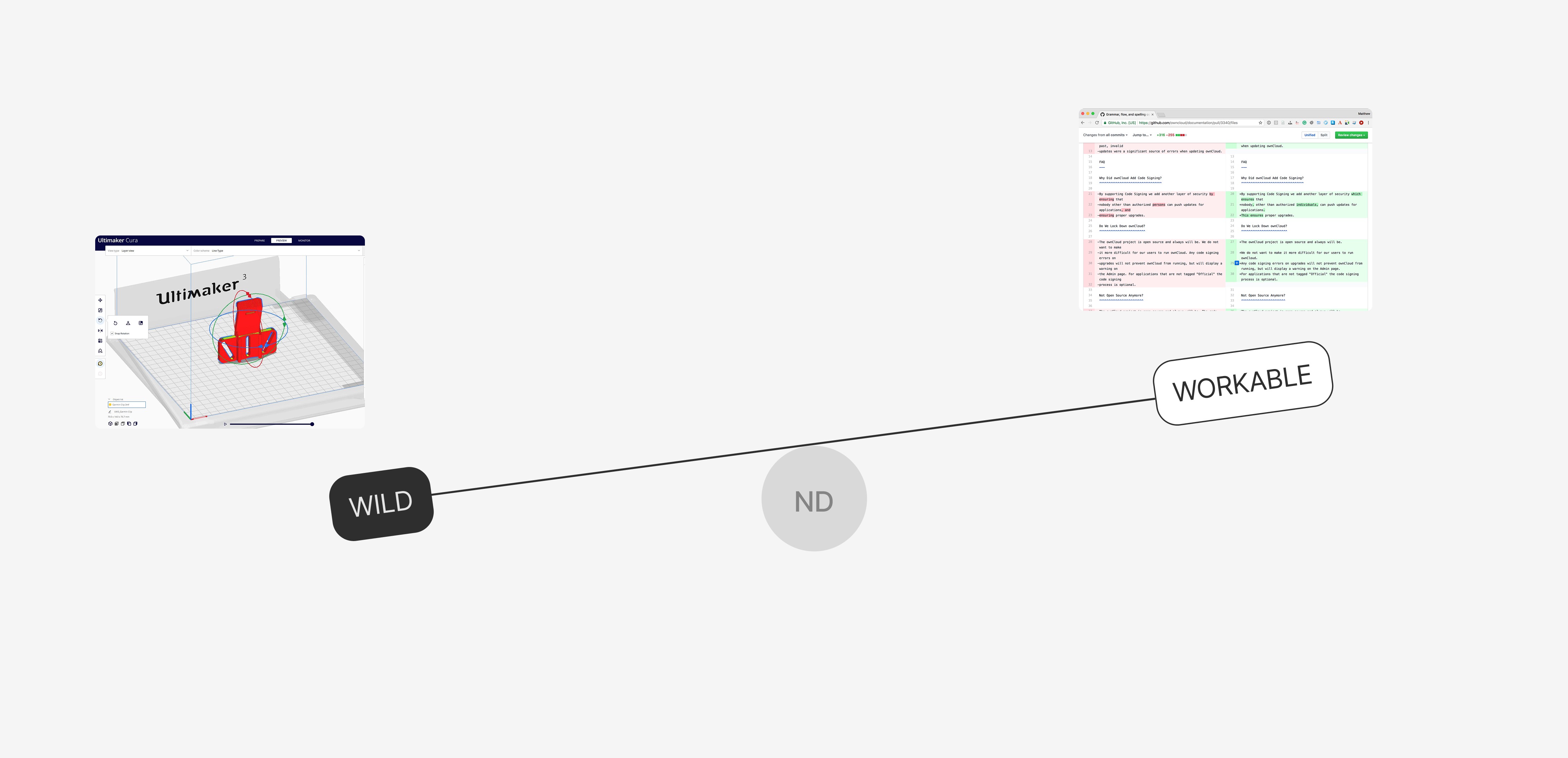
Given the technical context of the problem and product, feasibility was always on our minds. However, since I was leading an early product vision, my team encouraged me to explore all creative directions and inspiration (for e.g., 3D Printer UIs) , even if it seemed unrealistic at first.
I had to find the right balance between ideas that had people saying “This might be a little out of reach…” and “We can definitely work with this!”.
2) Is it worth it? Small changes, big value
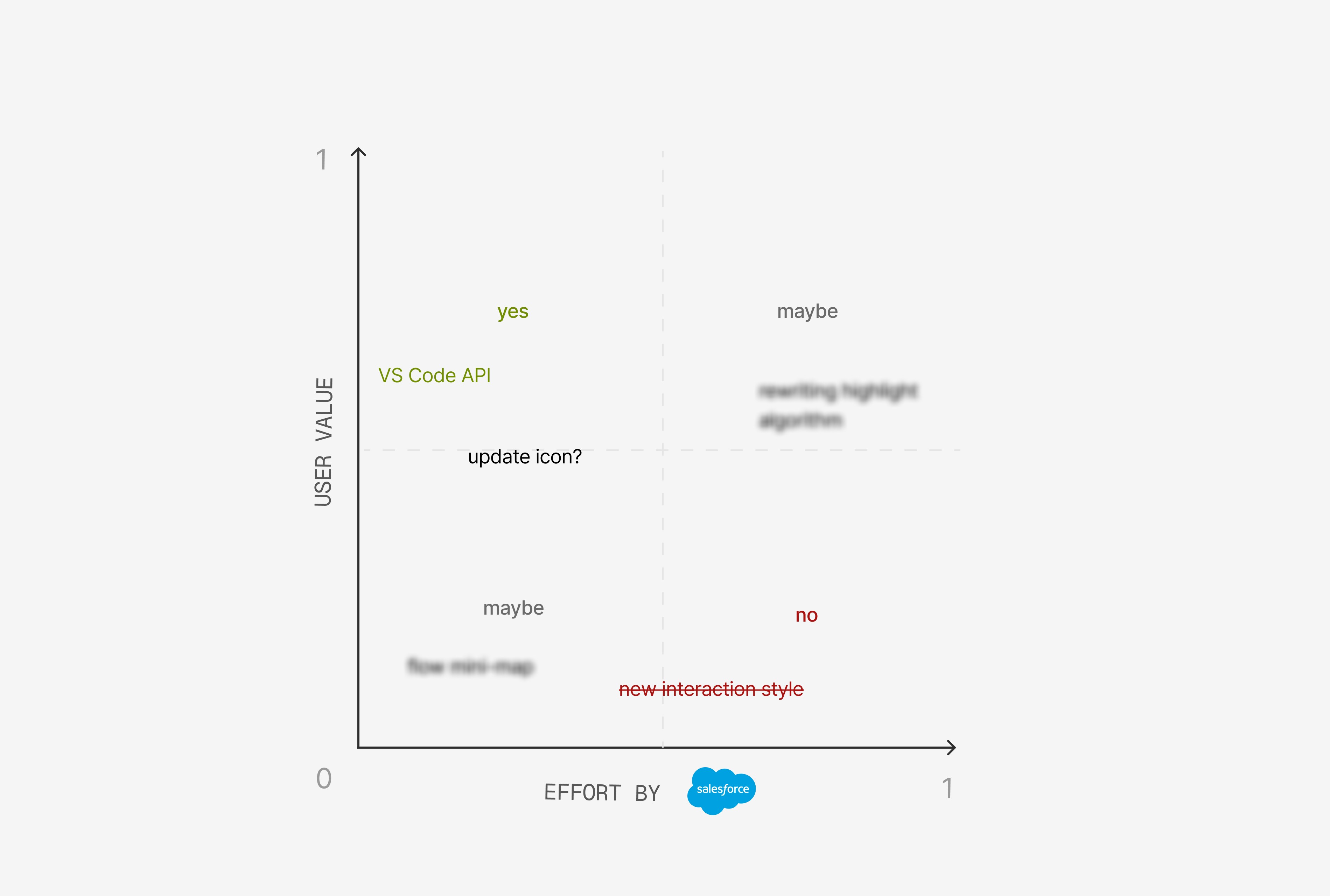
Another consideration was not completely overwriting the existing functionality and experience of the tool: my suggestions needed to complement, not replace, ACB features. The main benefit of this was to optimize resources and make implementation easy.
I justified my proposal with the value it brought in, while minimizing the effort it would take to develop.
// DESIGN CHALLENGE
Designing for AI experiences in a fast-paced, enterprise ecosystem is complex
You have to be comfortable with rapid iteration, can’t rely on existing UI patterns (there aren’t many), and really take ownership of the vision to shape it for others to follow.
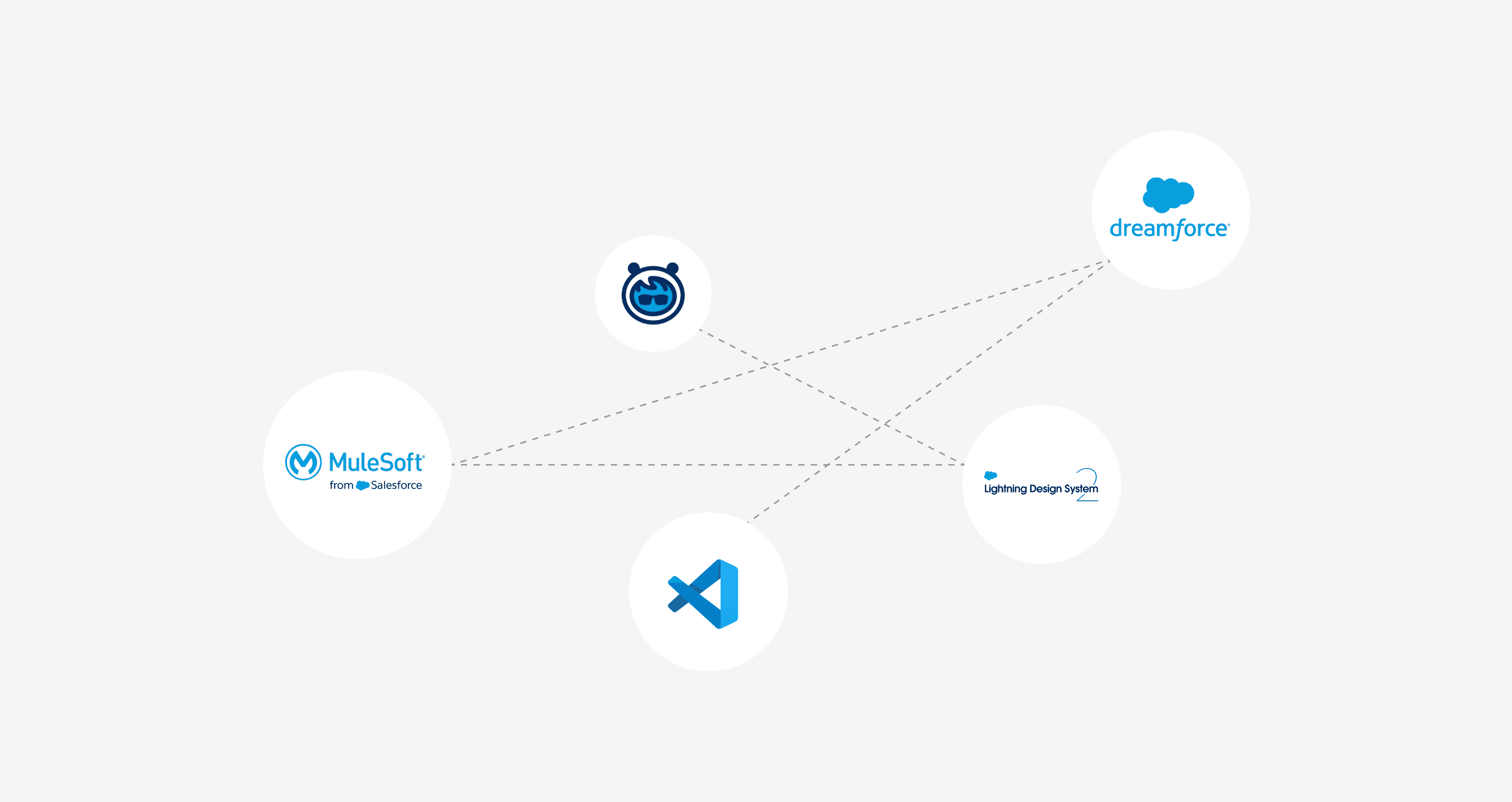
Add to this the sheer scale of Salesforce and the complexity grows exponentially. Changing business goals, partnerships, and multiple design systems (n=3) meant a big web of design considerations.
// COLLABORATION
Web of complexity collaboration
My biggest asset in dealing with the project's complexity was the ability to collaborate across teams, both internal and external to our product.
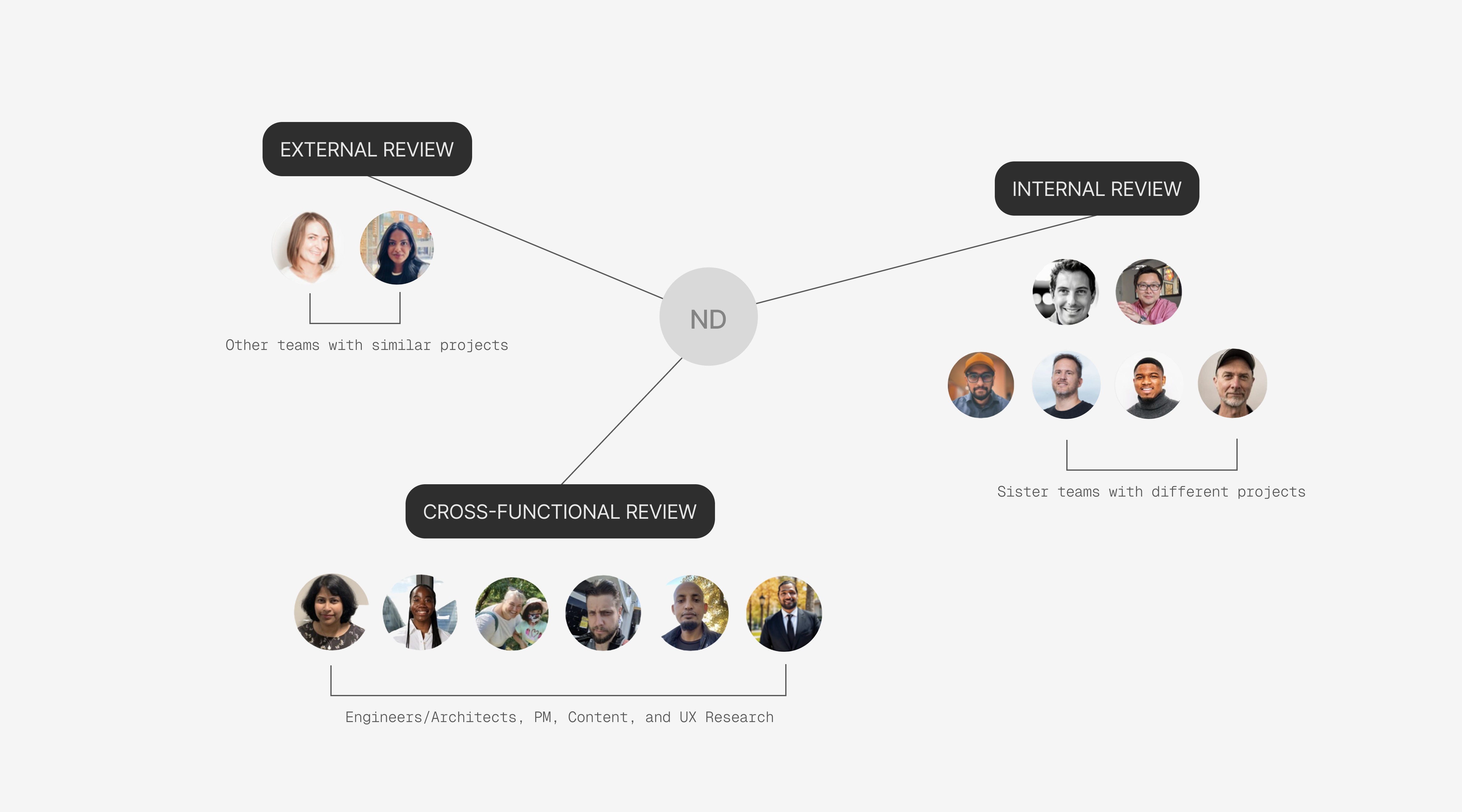
Through recurring UX reviews, I partnered with stakeholders that brought diverse feedback and unique angles to my solutions.
// IMPACT
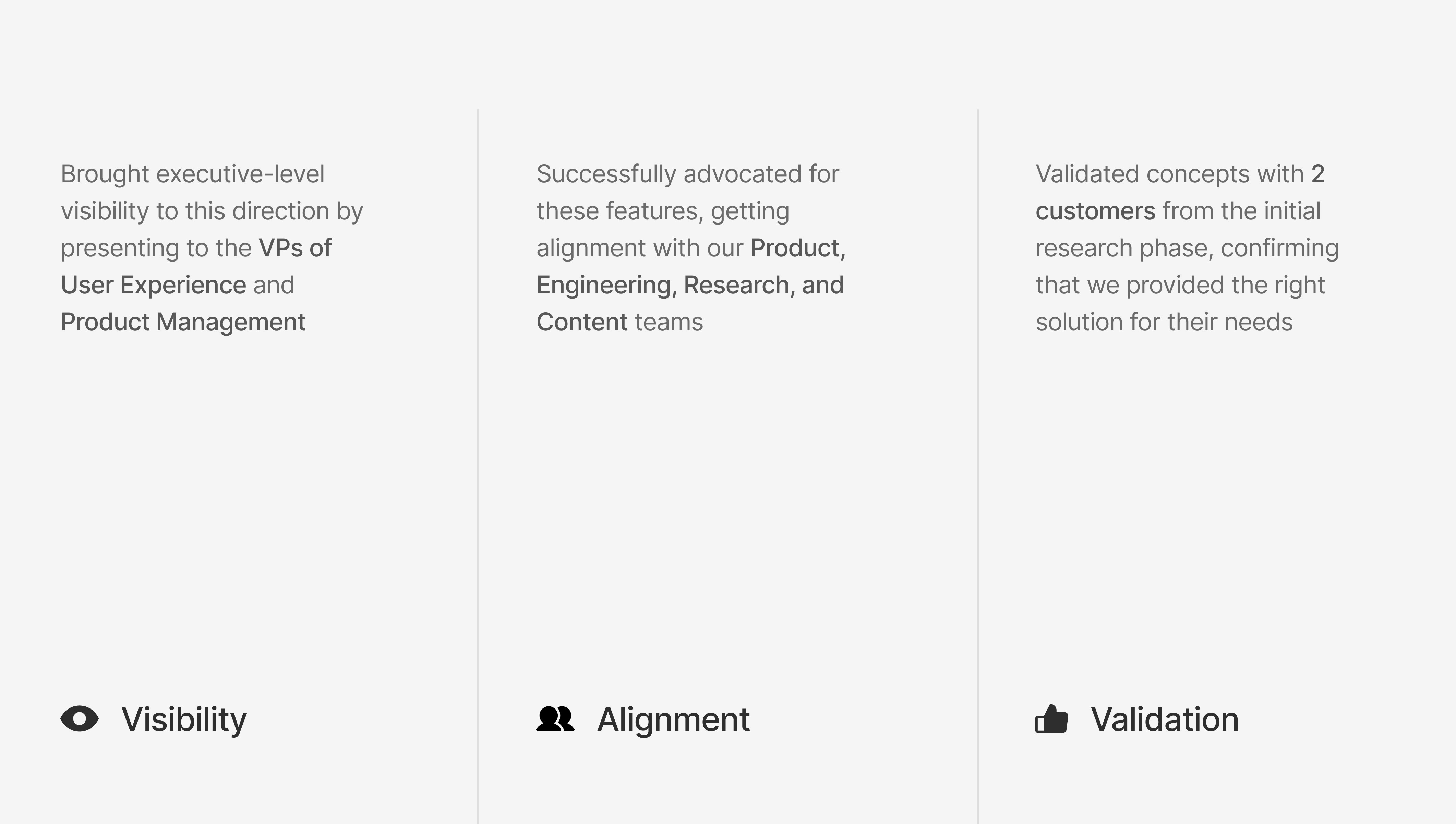
In 12 weeks, I shaped early product vision for a critical user journey, collaborated with 25+ cross-functional partners, achieved a 92% task completion rate, and placed this concept on the product roadmap
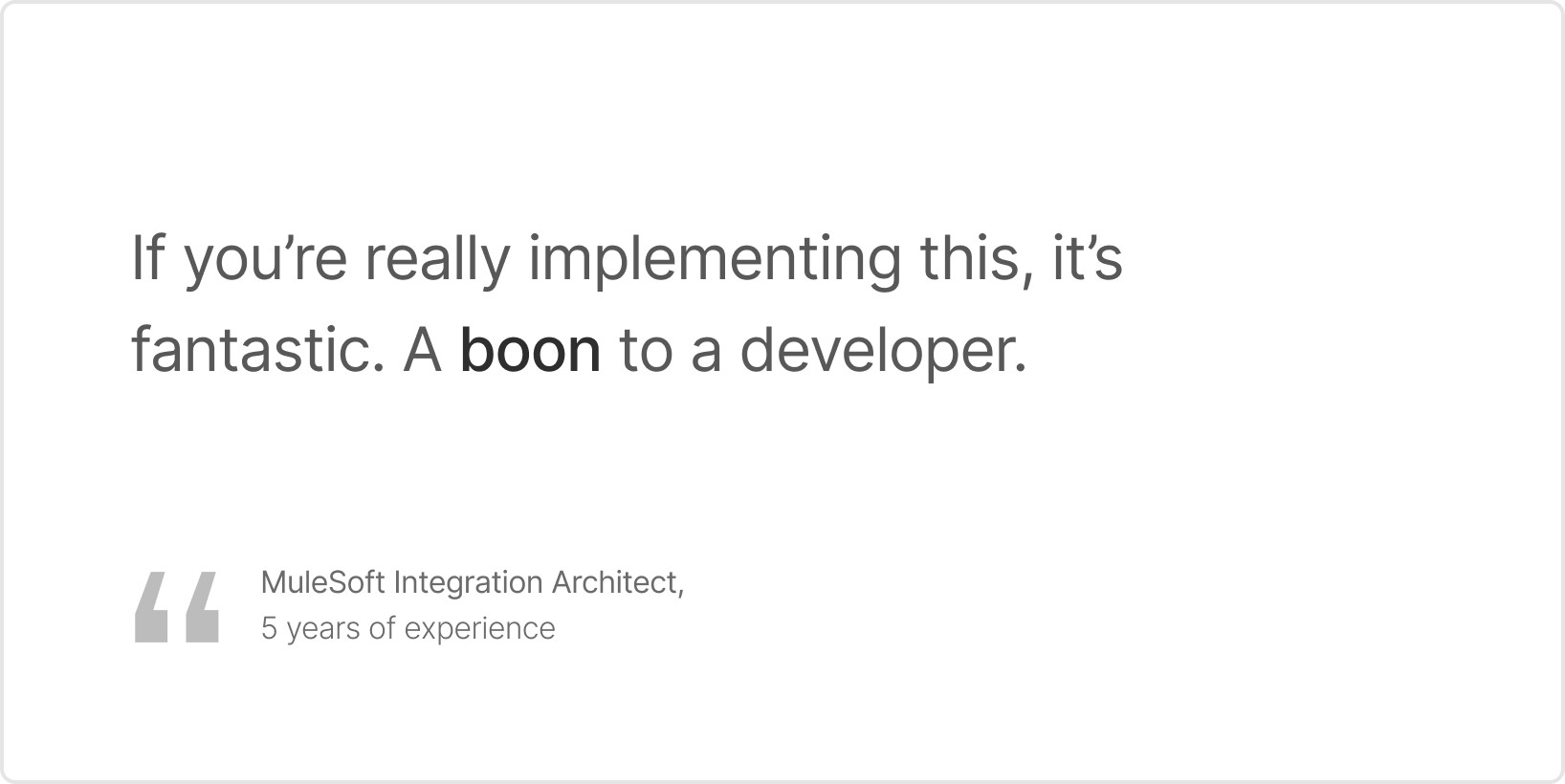
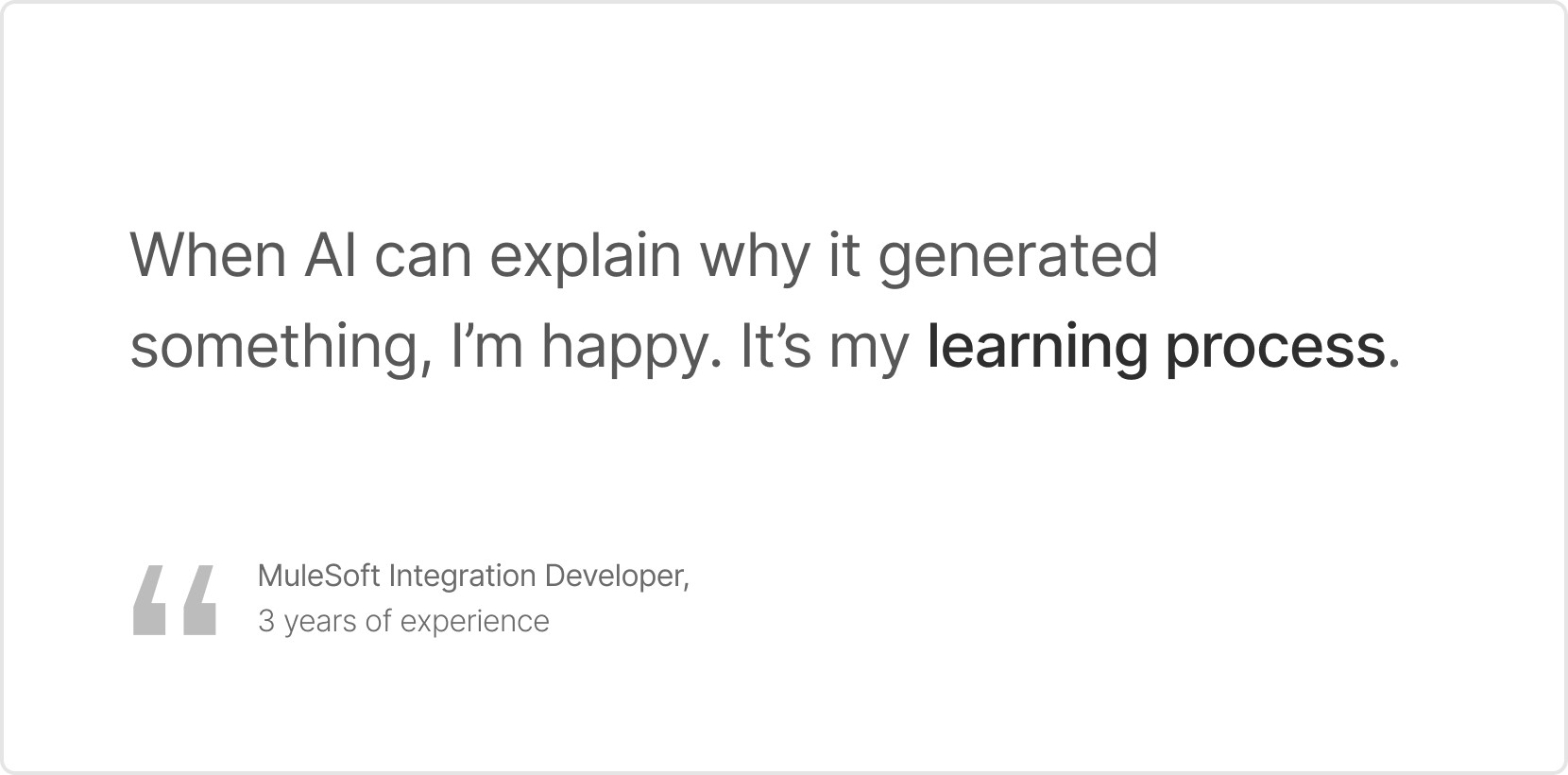
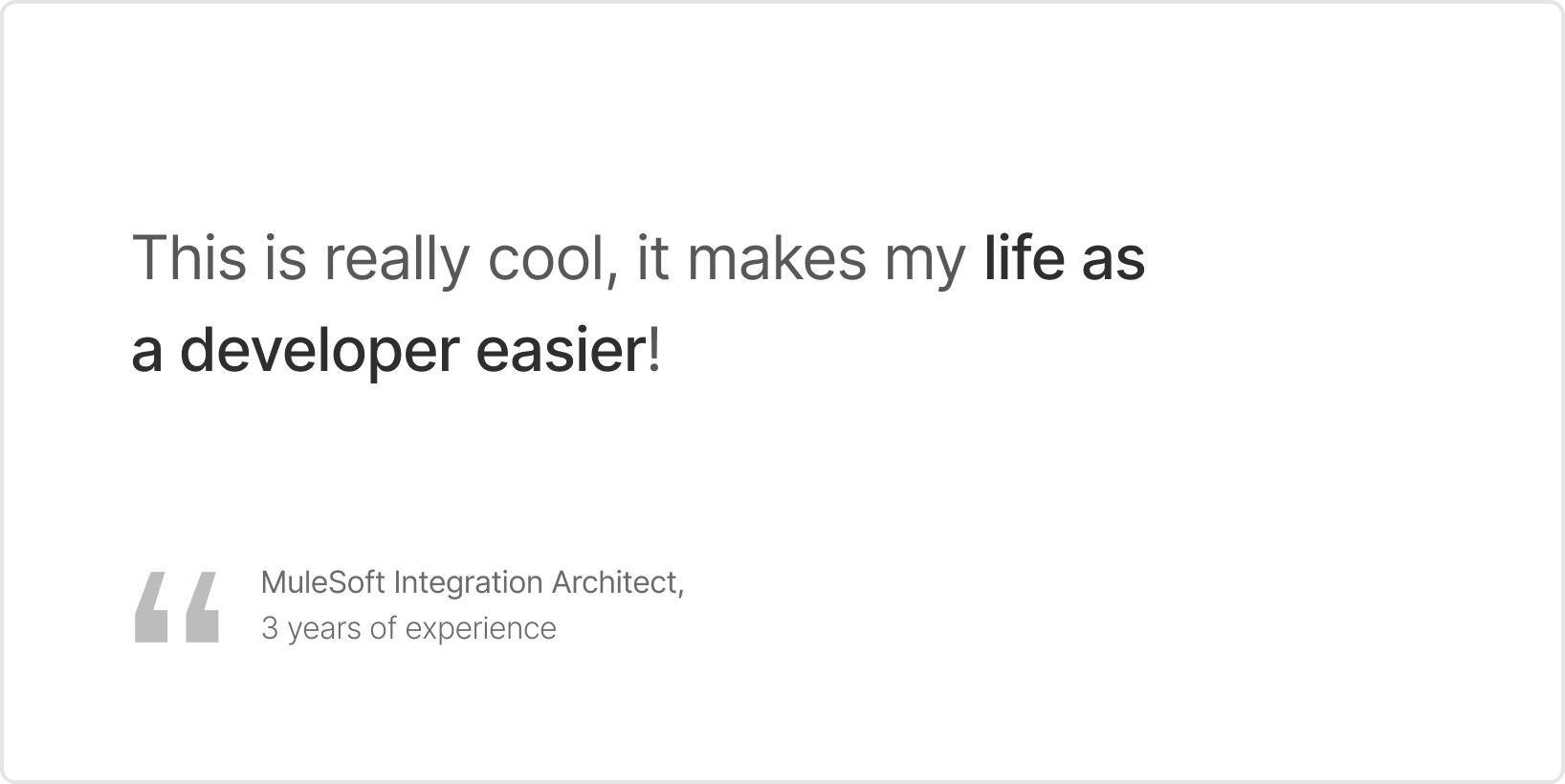
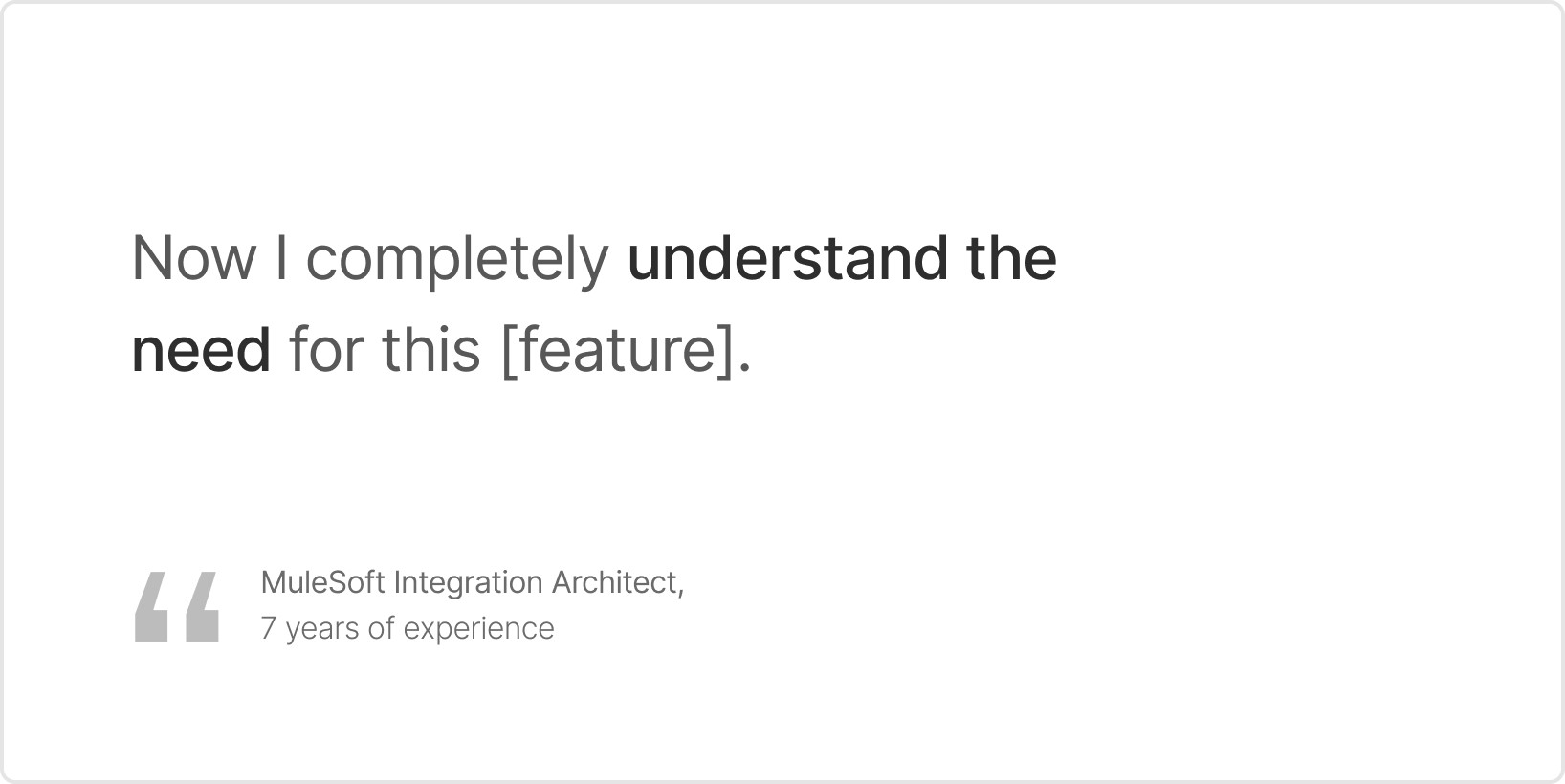
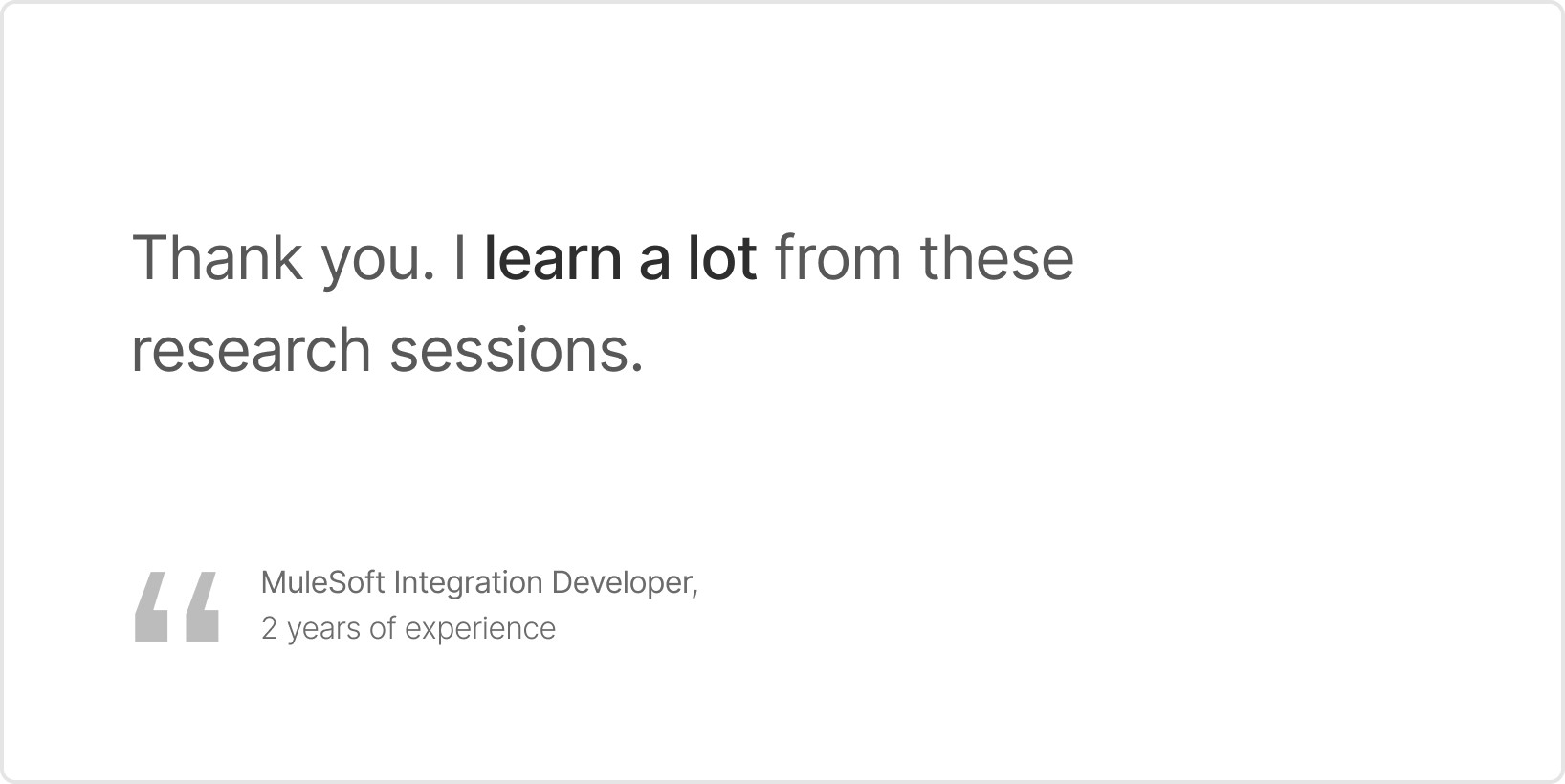
Hear it from our customers themselves:
// RETROSPECTIVE
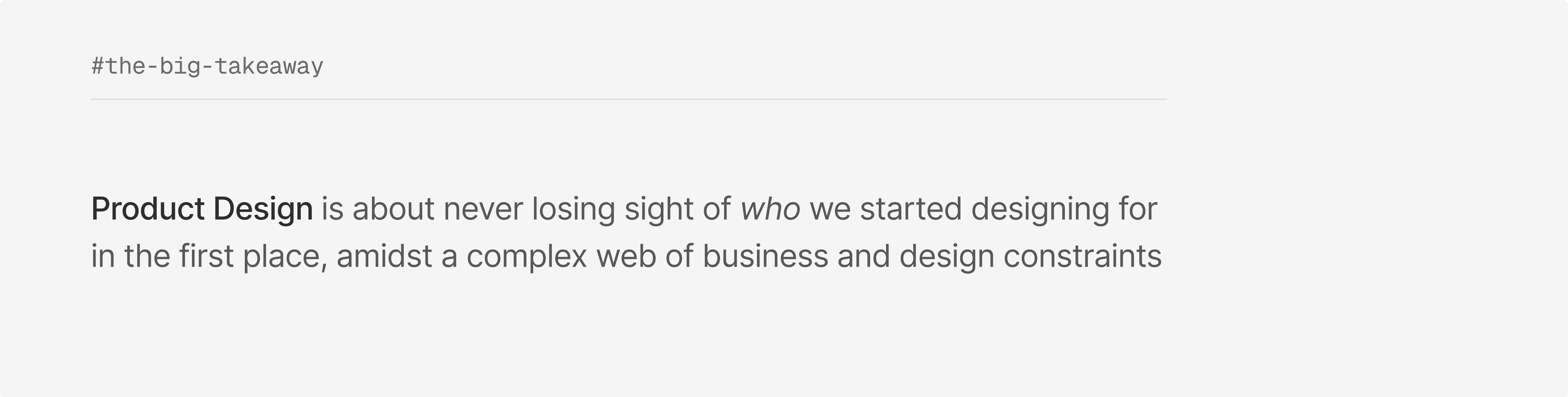
If I had to pick just one takeaway...
(or this case study would never end)
Product design is not just an opportunity to find a solution for usability challenges.
It’s a responsibility we take to advocate for the most excellent UX we can deliver. It’s our chance to represent the user and push for their best interests.
I came into this internship thinking I'd leave with a treasure chest of Figma shortcuts and practical design hacks, but instead, I learned what it takes to make it in this field. The silent skills and traits I noticed across the people (designers, non-designers) I interacted with, are the real gems.
I have a newfound appreciation for the level of communication, collaboration, and strategy that happens behind-the-scenes of Product Design. I am now only more excited for what's to come.
Thank you <3
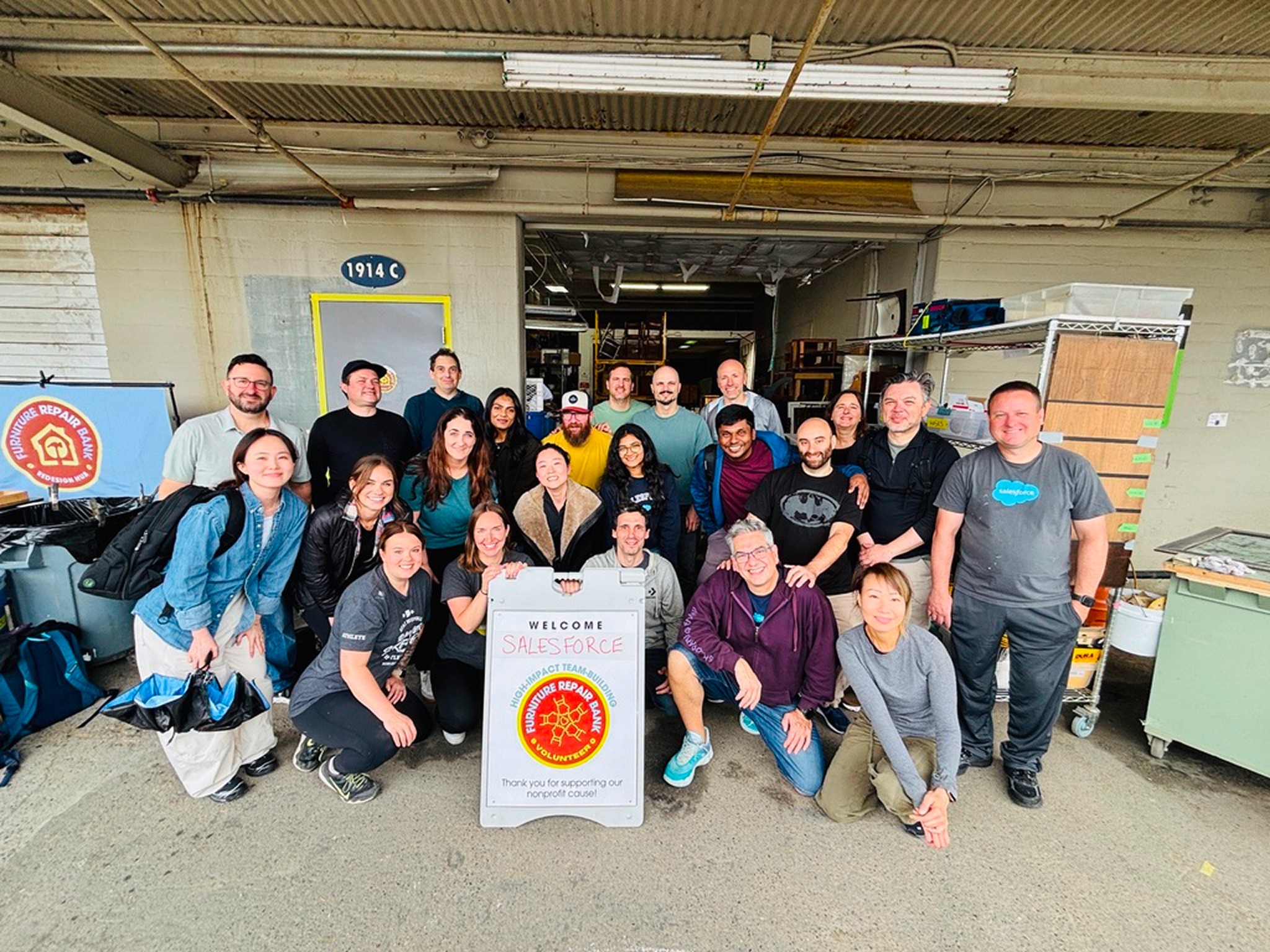
I’m grateful to Ryan Capers, David Tsai, Kramer Weydt, Danielle Teska, the Futureforce team, my lovely intern friends, and so many others who made this
an incredible summer in San Francisco.